Features
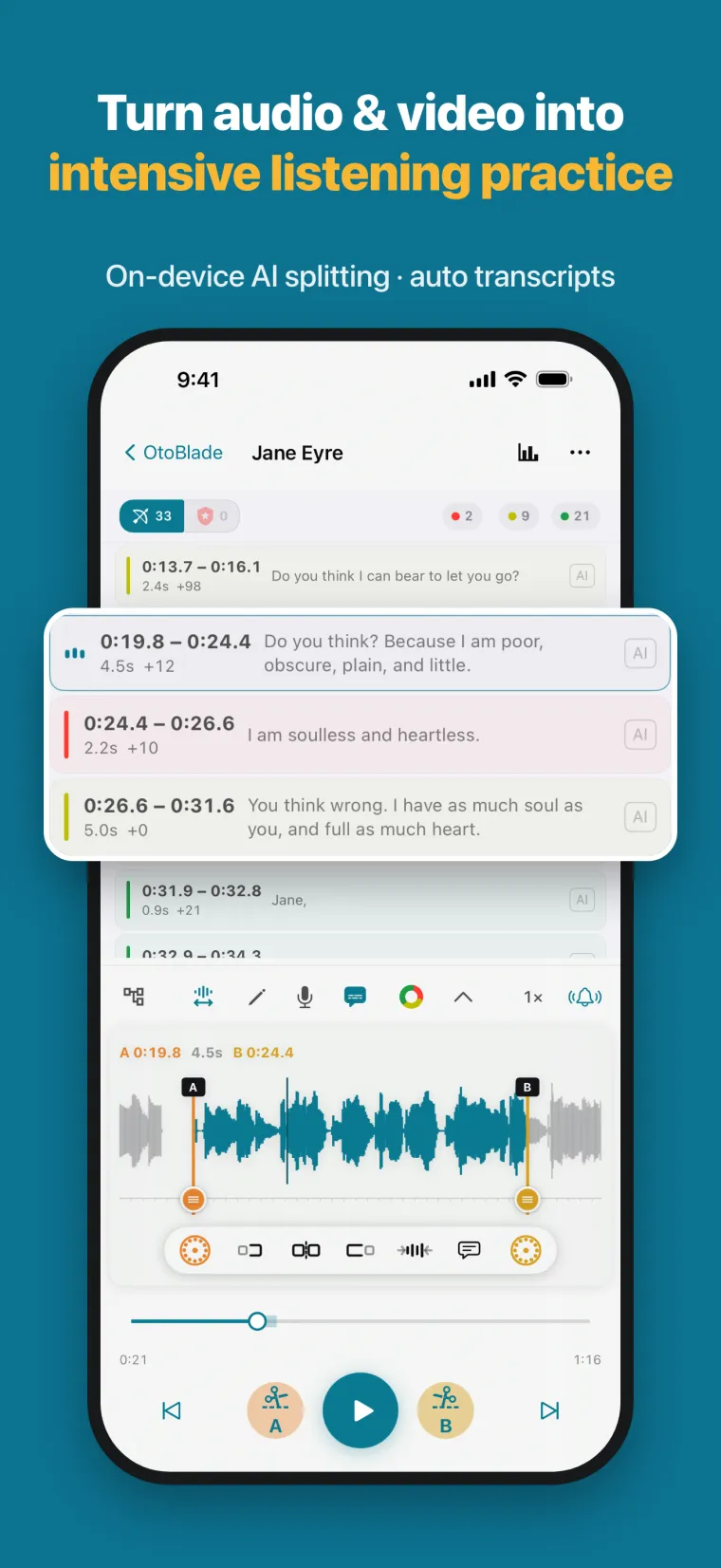
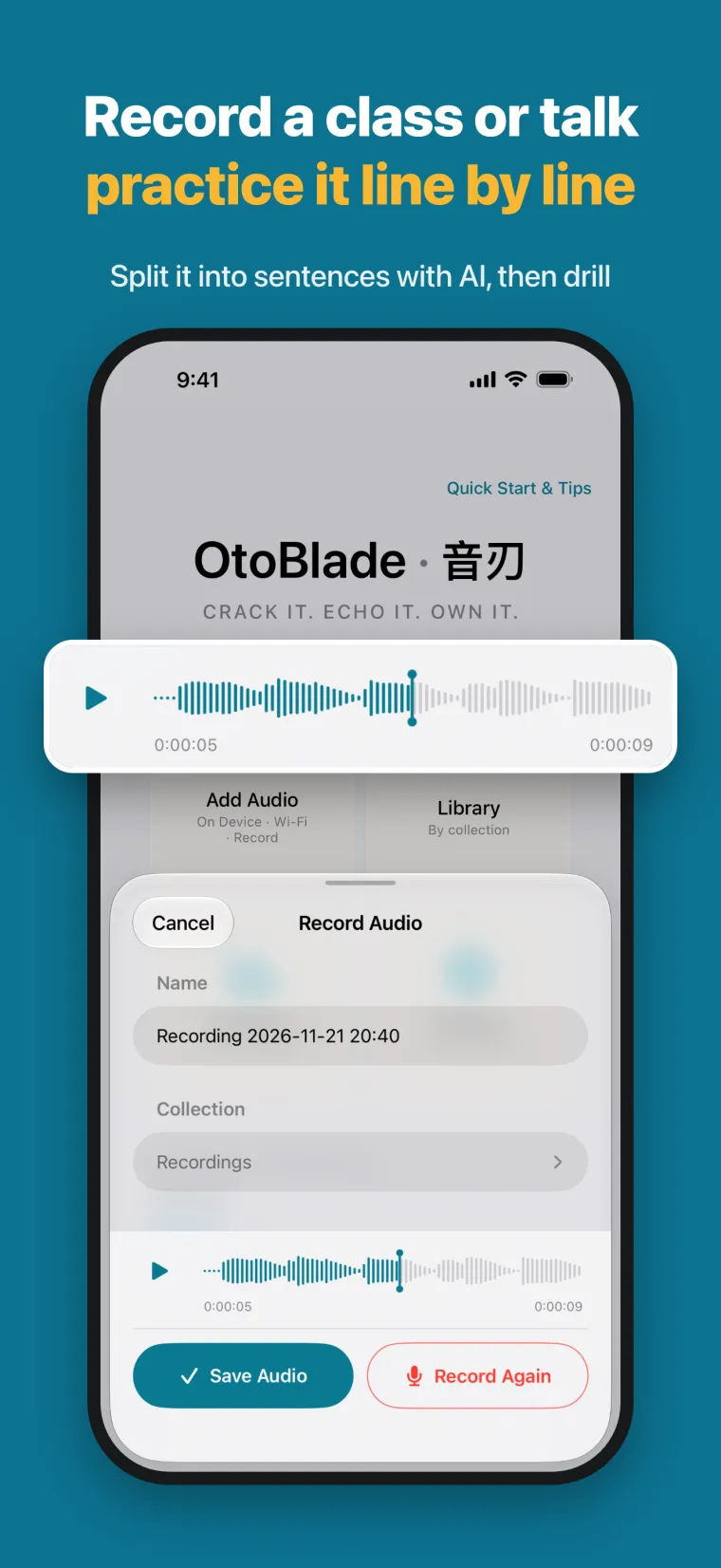
Speech recognition runs on your device — no account, no server
No Subtitles? Practice Sentence by Sentence Anyway
- Audio is split into sentences at natural pauses and transcribed on your device — start intensive listening even when there are no subtitles.
- Already have an LRC / SRT file? Generate segments straight from it, with the original text imported along.

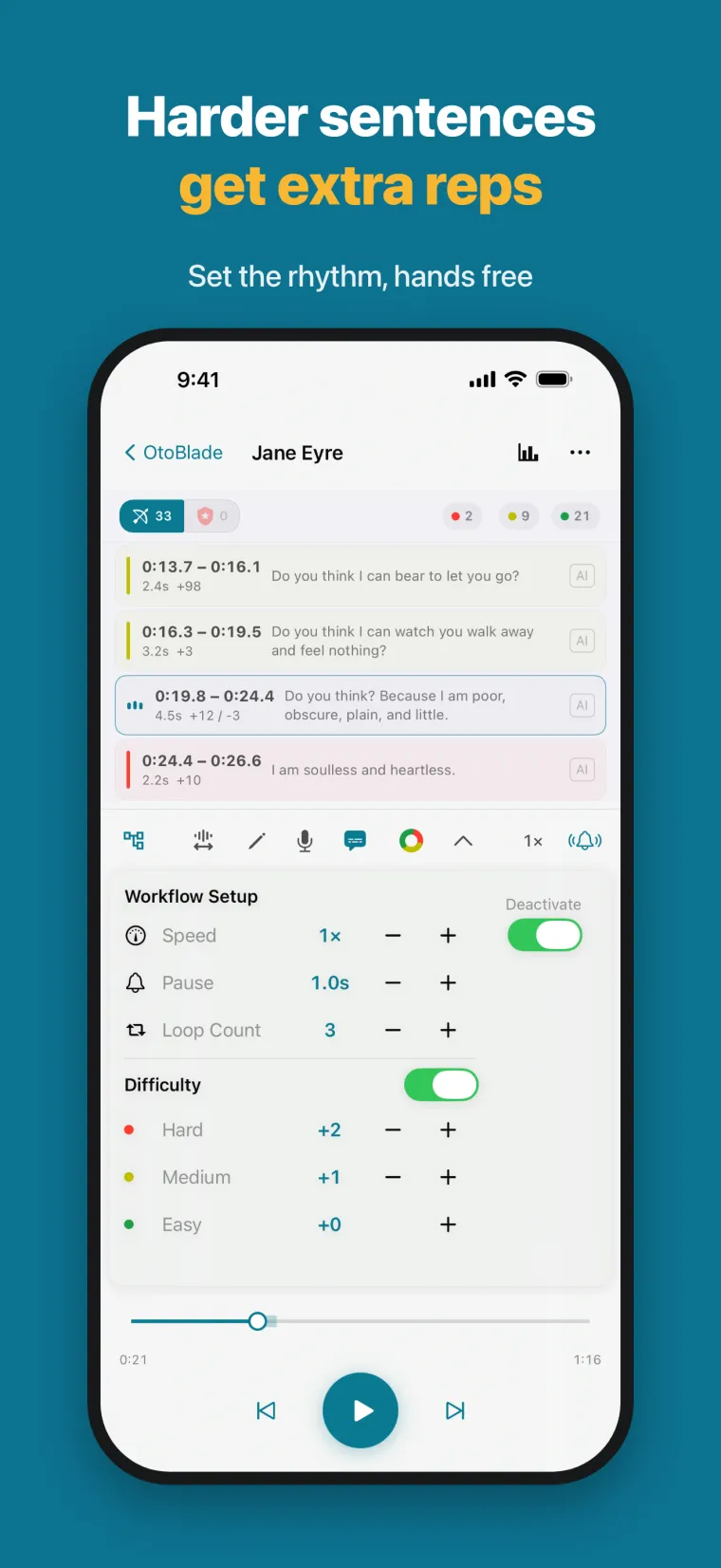
One Tap, a Whole Batch of Dictation
- Set the speed, number of repeats, and pause length, then press start once.
- It plays sentence after sentence and leaves you time to write — a whole batch, hands-free, just like a mock test.
- Hard sentences automatically get extra reps, so your time goes where you actually get stuck.

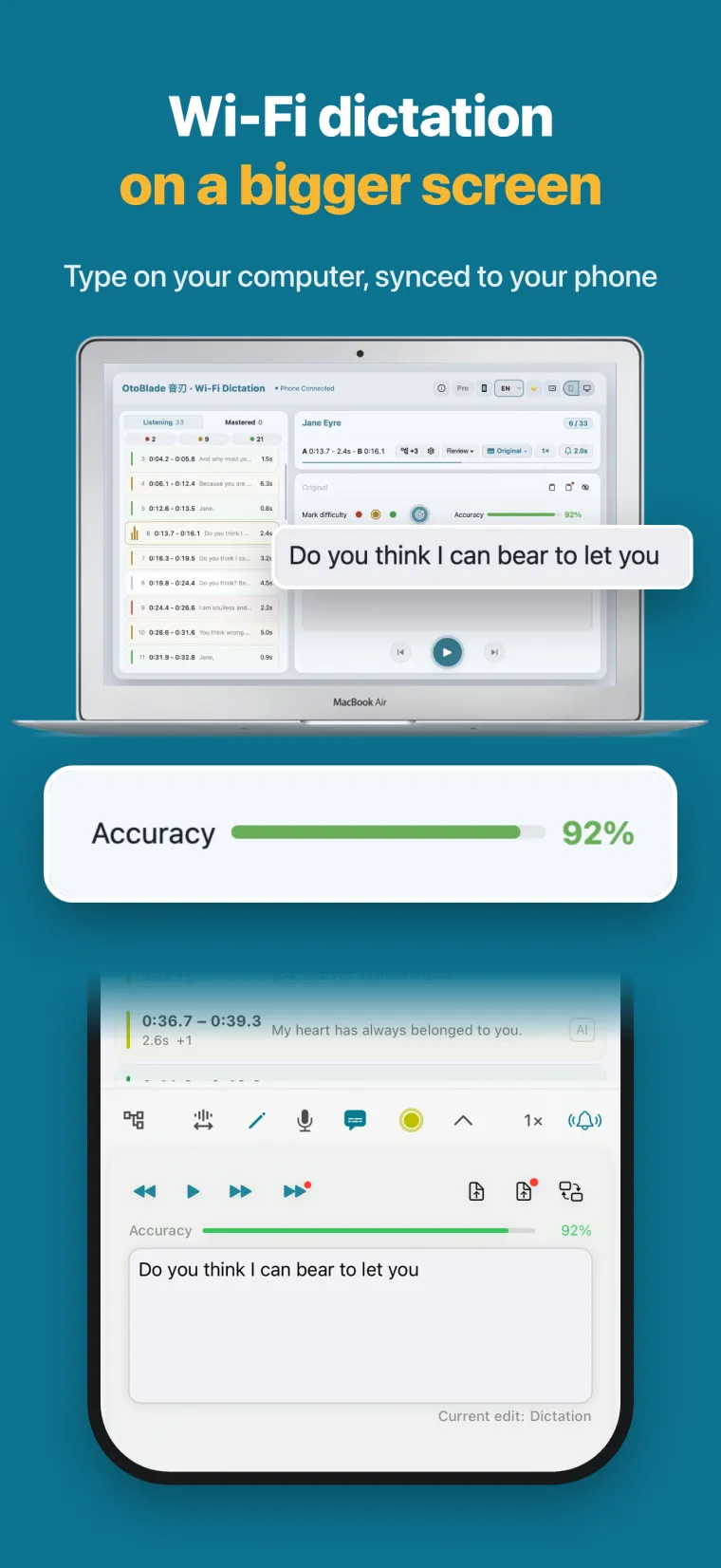
Focused Dictation on Your Computer
- On the same Wi-Fi, cache the audio to your computer first; it then plays there, your phone can sleep, and you keep writing.
- Or let the phone play while you type on the computer — either works. When the phone wakes up, your dictation syncs back to it.
- Big screen and keyboard shortcuts make you faster; everything stays on your local network, with no outside server.

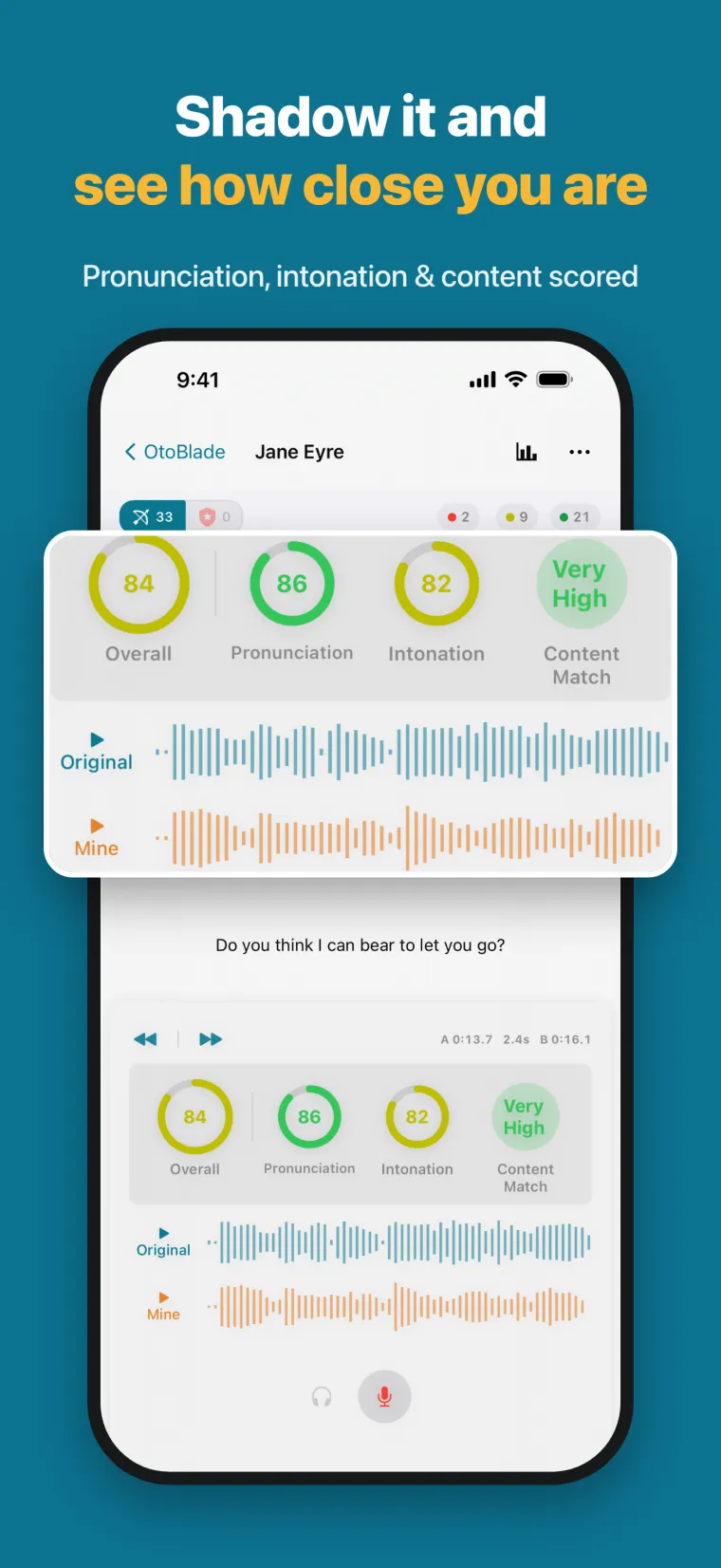
Shadow It, See How Close You Sound
- Listen to a line, read it back, and get an instant score for pronunciation and rhythm.
- Put on headphones and the original plays back in sync while you record — echo it in real time.

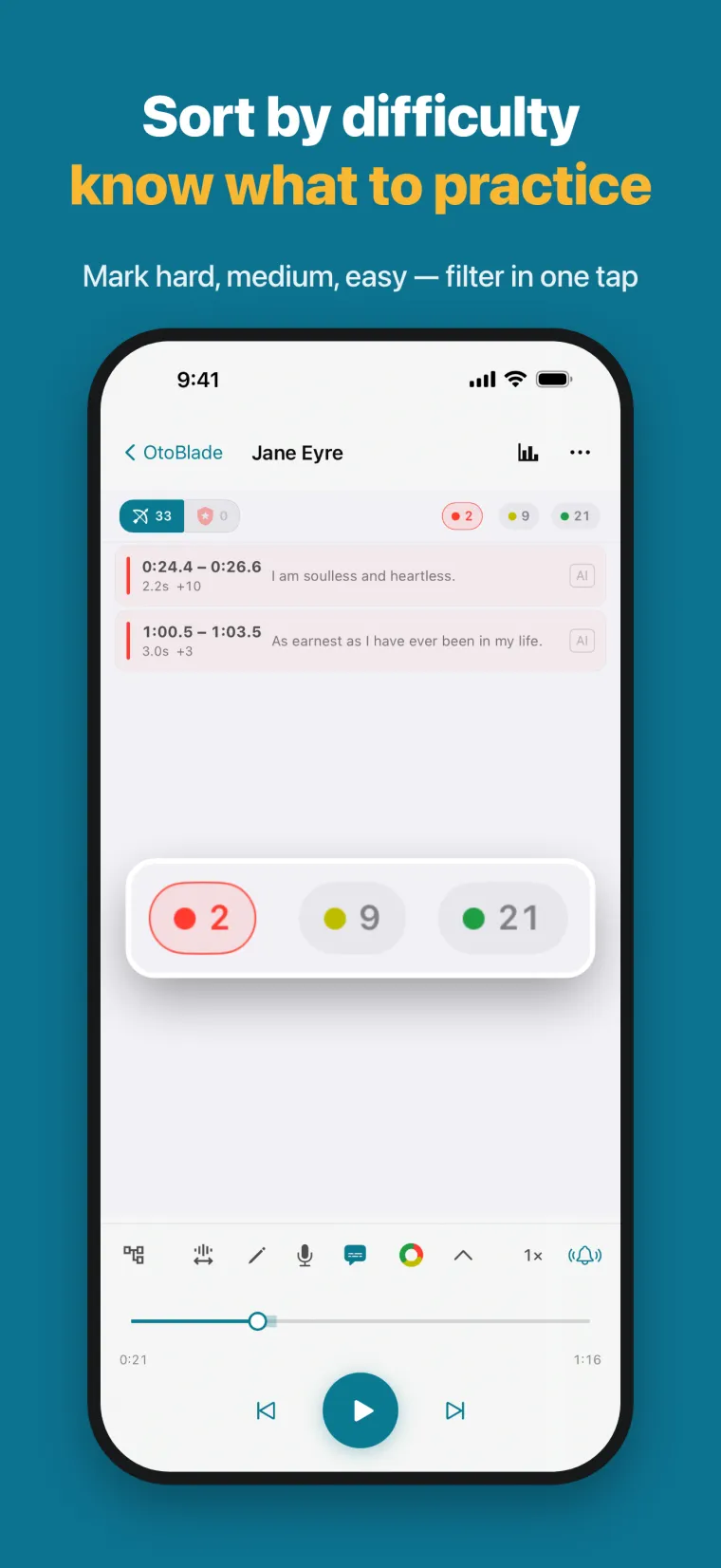
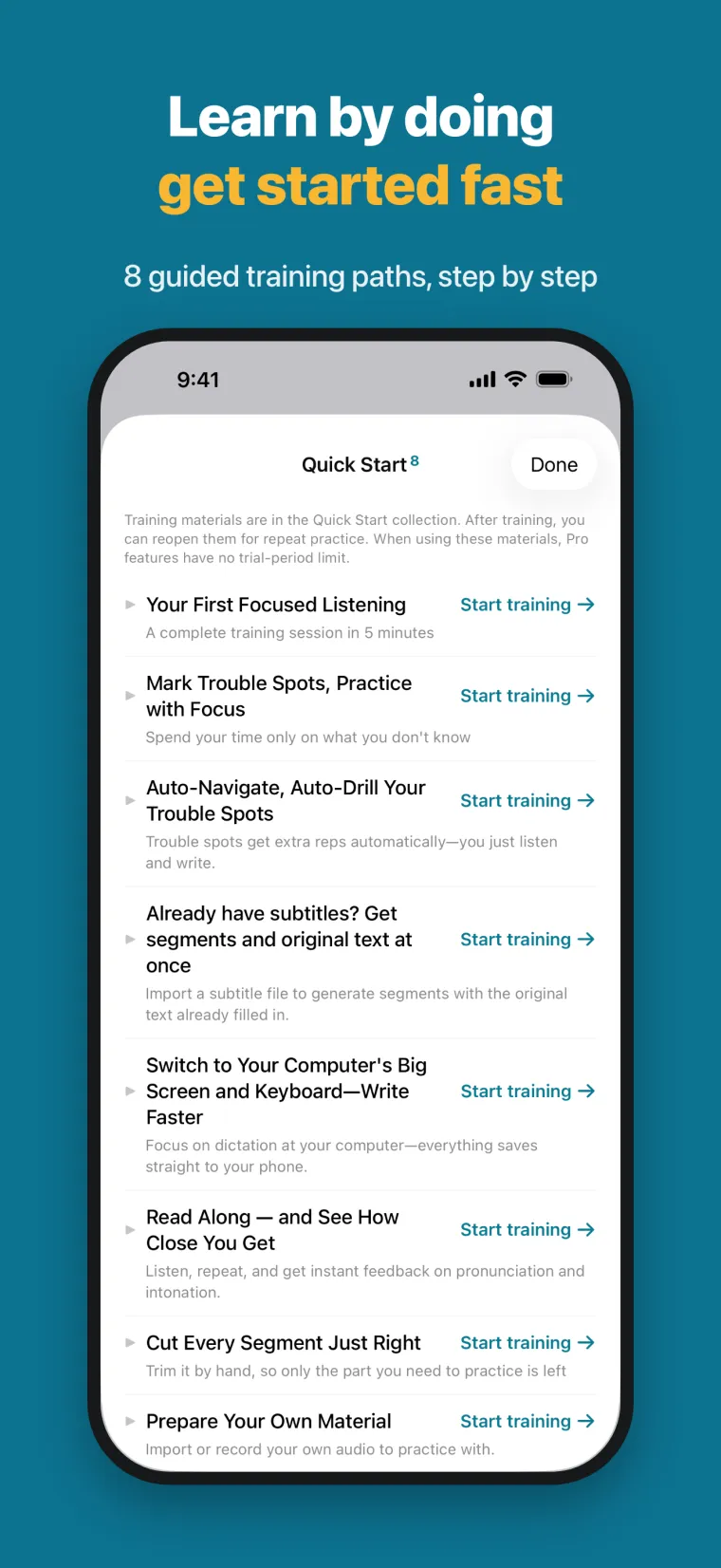
Mark Trouble Spots, Practice with Focus
- Spend your time on what still trips you up — tackle those sentences first.
- Rate each sentence for difficulty and mastery, then filter by difficulty to practice with focus.

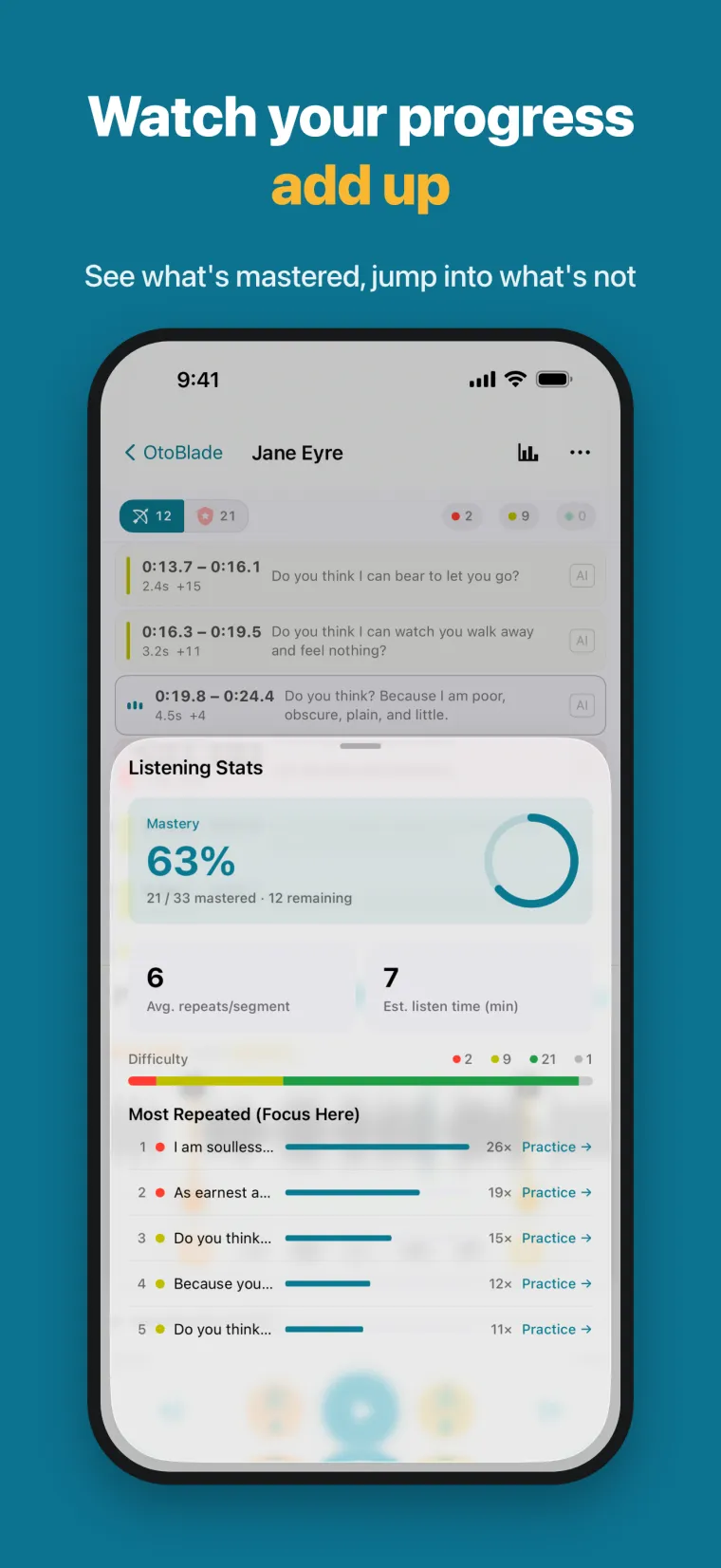
See How Your Practice Is Going
- See your mastery status and difficulty breakdown at a glance.
- The hardest, most-practiced, still-unmastered sentences rise to the top — one tap to practice them.
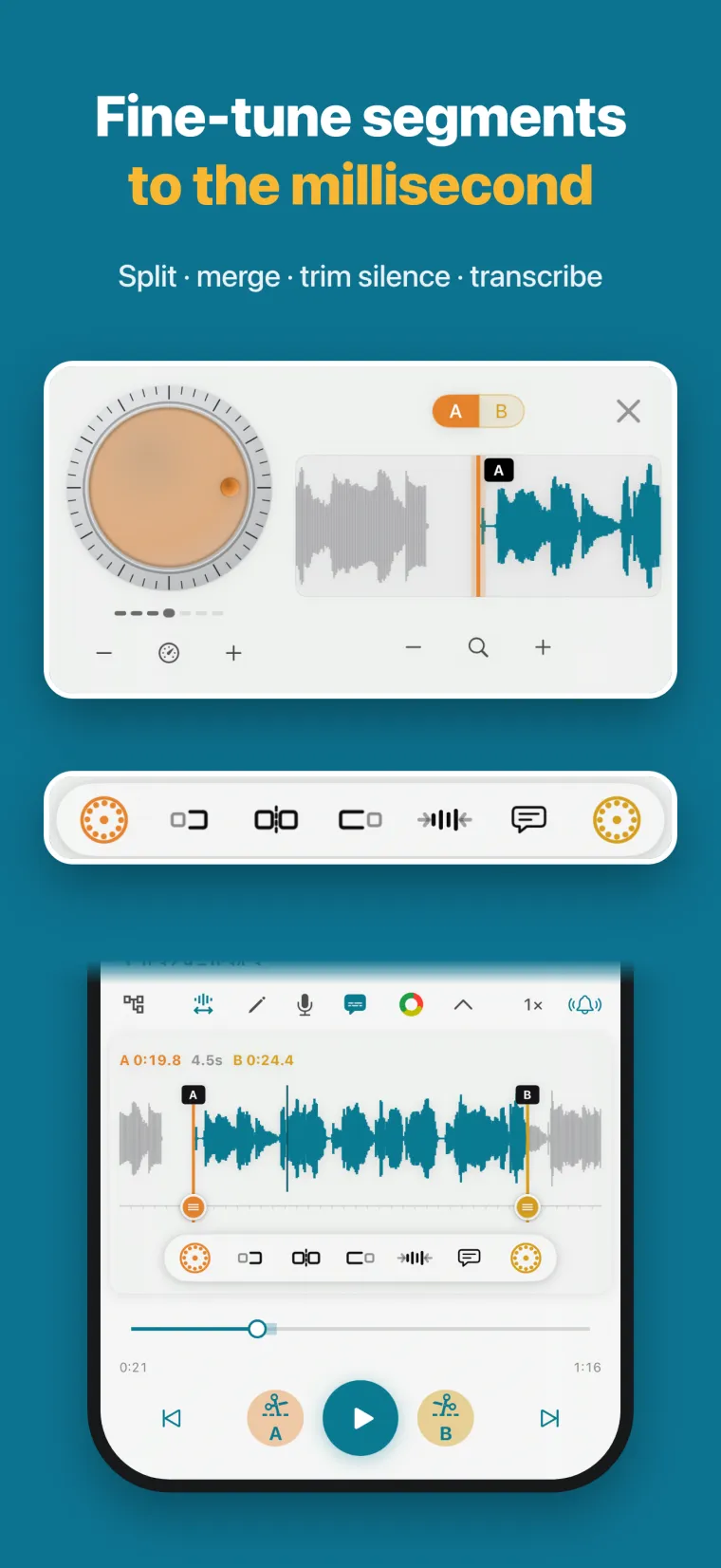
Precise Cuts, Your Call
- Fine-tune where each sentence starts and ends with a millisecond-precise dial — no stray sounds, no clipped words.
- Drag, merge, split, and trim leading or trailing silence — manual slicing is just as easy.

Want to try it yourself? Join the beta and be among the first.
iOS Standard vs Pro
One-time purchase (iOS), 7-day free trial before you buy
| Standard | Pro | |
|---|---|---|
| Guided training | ||
Training Center (built-in courses / feature quick reference) | Fully free | ✓ |
| Prepare learning materials | ||
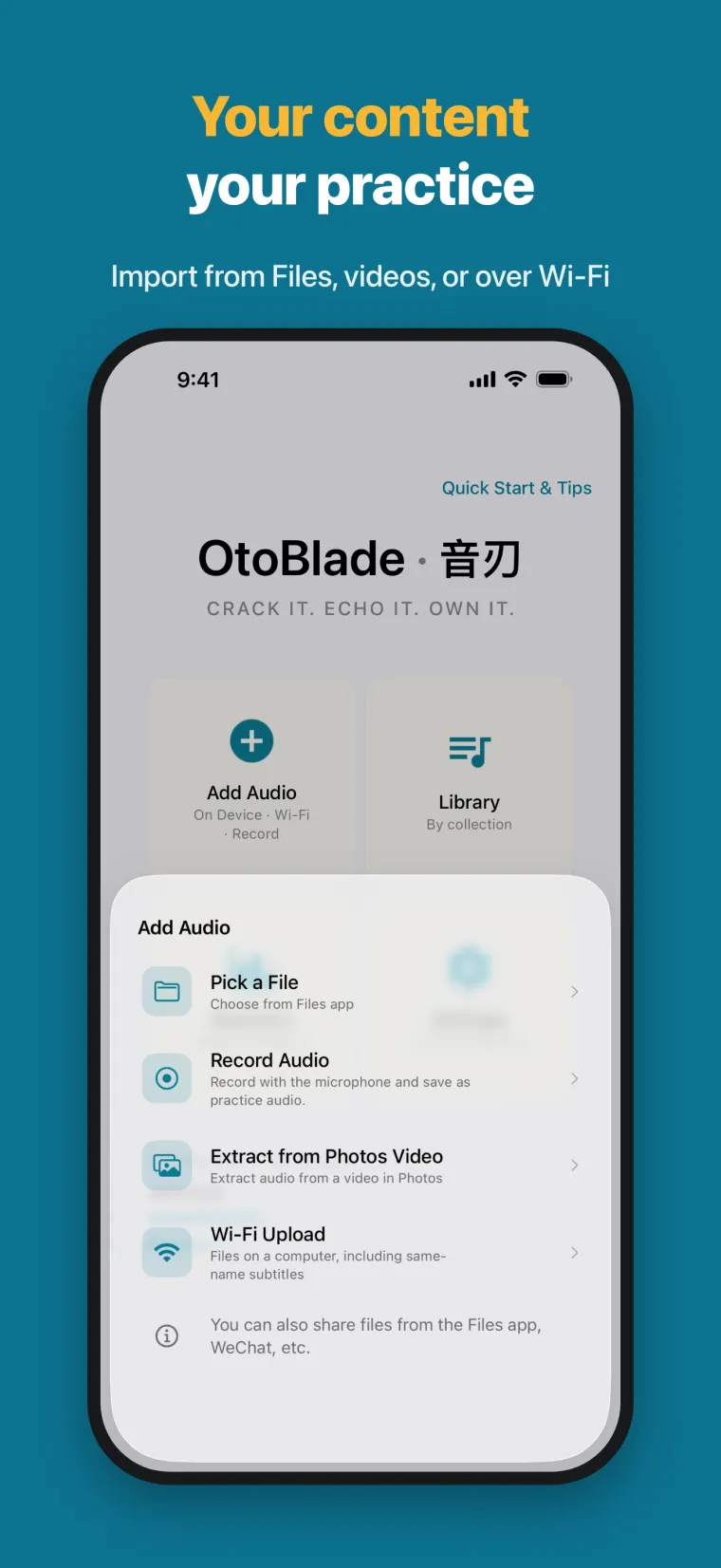
Add audio (local files / iCloud / recording / third-party sharing) | Fully free | ✓ |
Extract audio from video | Fully free | ✓ |
Wi-Fi bulk upload of audio, video, and subtitle files | Unlimited | ✓ |
Collection management | Fully free | ✓ |
| Segment and refine | ||
Smart auto-segmentation and text recognition | First 3 minutes of each file | Full-length audio, no cap |
Subtitle slicing (import LRC / SRT subtitles to create timeline-based segments) | Unlimited | ✓ |
Segment adjustments (merge / split / delete / drag-to-fine-tune) | Fully free | Exclusive: millisecond-precise dial adjustment / auto silence trim |
Segment export / share | Unlimited | ✓ |
Import someone else's full segment archive | Audio files up to 180 seconds | Full import, unlimited |
| Understand and master | ||
Core playback: player / A-B loop / waveform / speed / gap / lock-screen playback / subtitles | Fully free | ✓ |
Difficulty management (rating + mastery marks + filtering) | Fully free | ✓ |
Dictation | On phone | Exclusive: Wi-Fi dictation in a desktop browser |
Shadow reading | Listen to and compare original and recording similarity | Exclusive: pronunciation, rhythm, and content similarity scoring with waveform comparison |
Automated training workflow (configured loops + extra reps by difficulty) | Try it with 3 official materials | Exclusive: available on any audio |
Dictation review | Clear dictation records one by one | Exclusive: difficulty filtering, batch clearing, and automatic backups |
| Progress and protection | ||
Practice stats | Fully free | ✓ |
Full backup / restore | Fully free | ✓ |
-
Pro trial
Before purchase, enjoy 7 days of all Pro features. Smart segmentation and text recognition can fully process 21 files; all other files are processed for their first 180 seconds only.
-
3 official built-in training materials
Standard users can permanently experience all Pro features with official built-in training materials.